
The short answer
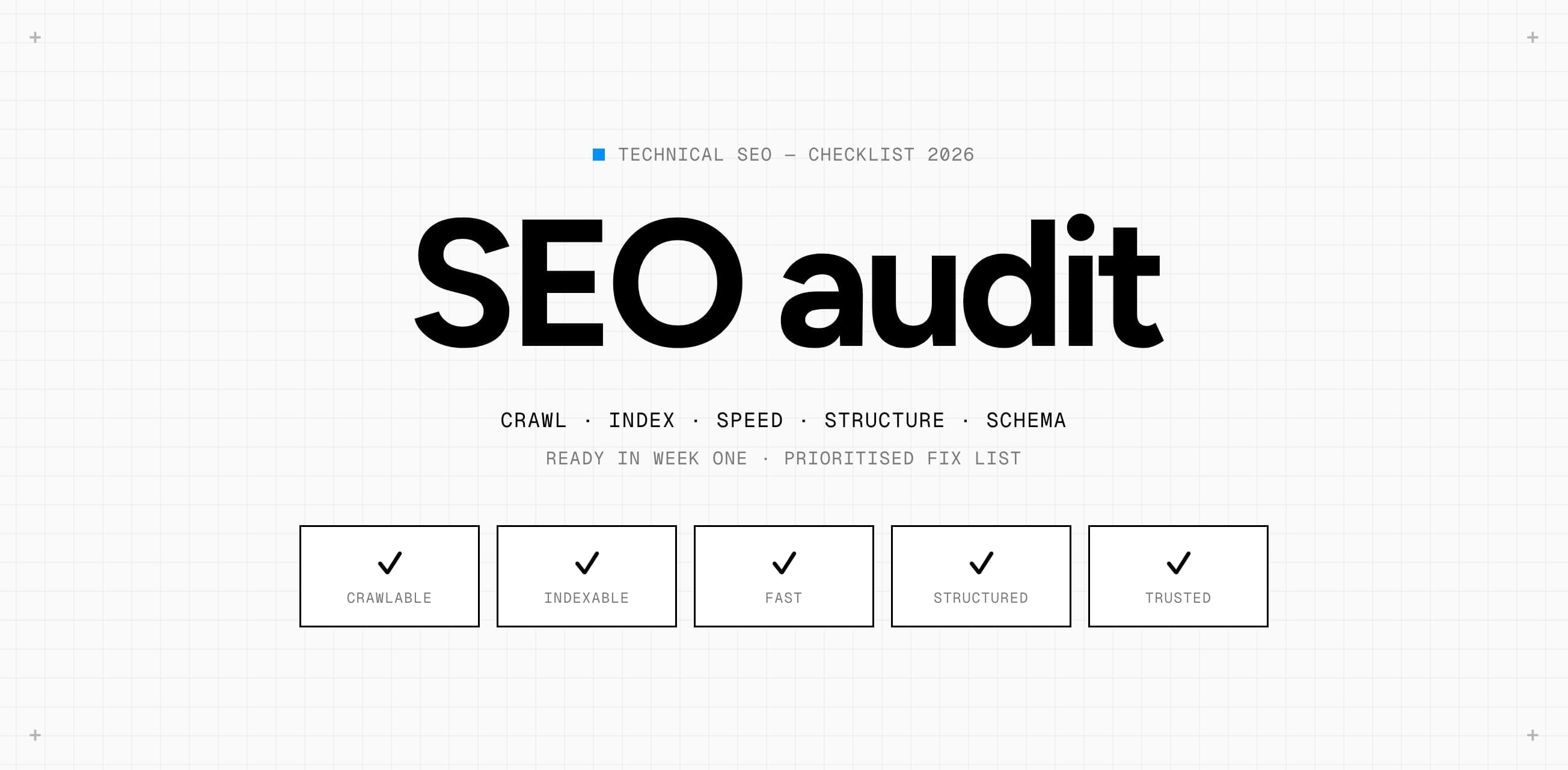
A technical SEO audit checks whether search engines and AI assistants can find, read, understand and trust your site. Not whether your copy is good, but whether the technology underneath gets that copy to Google at all. You work through five layers: crawling, indexing, speed, structure and trust. Each layer has a few checks you can run in an afternoon and a few that need a developer.
Why a technical audit comes before content
Most sites that come to us already have content. Blogs, service pages, sometimes hundreds of product pages. And still the traffic doesn’t come. Almost always the problem isn’t what the pages say, but what Google gets to see: pages accidentally set to noindex, a canonical pointing to the wrong language version, or a JavaScript menu that hides half the site from the crawler.
New content on a site with technical leaks is water in a bucket full of holes. That’s why we run a technical SEO audit as the first step, even when the question is about content. It’s also the step with the fastest payoff: technical fixes often show up in Search Console within weeks, where content needs months.
Layer 1: can Google crawl your site?
Crawling is fetching your pages. If that fails, nothing else exists. The checks:
- robots.txt. Open yourdomain.com/robots.txt. Is there a Disallow on a folder you do want in Google? We see this more often than you’d think after a migration or a staging environment that went live.
- Sitemap. Is there an XML sitemap, is it listed in robots.txt, and does it only contain pages that return 200 and are indexable? A sitemap full of redirects and 404s burns crawl budget.
- Internal links. Is every important page reachable within three clicks from the homepage through plain links? Menus that only work with JavaScript or buttons without an href don’t count.
- Status codes. Crawl the site with Screaming Frog or Sitebulb and filter on everything that isn’t a 200. Redirect chains of three or more hops and internal links to 404s are free wins.
- Rendering. Open a page in Search Console’s URL inspection and look at the rendered HTML. Is your content there, or only an empty div that gets filled after JavaScript runs?
Layer 2: does what’s crawled get indexed?
Crawled isn’t the same as indexed. Google can fetch a page and then decide not to put it in the index. The Pages report in Search Console tells you exactly why, and that report is the most important source in any audit.
- Noindex. Search the source for meta robots noindex and the headers for X-Robots-Tag. Especially after migrations, theme updates and on pages generated from a CMS template.
- Canonicals. Every page should have a canonical to itself unless it’s deliberately a copy. If the canonical points to the http version, the non-www version or another language, you’re giving your ranking away.
- Duplicates. Filter pages, URL parameters, trailing slashes and capitals serve the same page under several URLs. Pick one version and redirect the rest.
- Crawled, currently not indexed. Usually not a technical problem but a quality signal: Google found the page too thin or too similar to another. That’s not fixed by code, it’s fixed by content.
- Hreflang. With several languages, check that each version points to all the others and to itself, and that there’s an x-default. Hreflang that only works one way gets ignored.
Layer 3: speed and Core Web Vitals
Speed is a ranking factor, but mostly a threshold. Google looks at three Core Web Vitals: LCP (how fast the largest element appears), INP (how fast the page responds to a tap) and CLS (how much the layout shifts). The thresholds are 2.5 seconds, 200 milliseconds and 0.1.
Use field data, not just lab tests. PageSpeed Insights shows at the top what real Chrome users measured over the past 28 days; that is what counts for Google. The lab score below it is a snapshot on a simulated device. A site can score 95 in the lab and still fail the field test because real visitors are on older phones.
- LCP. Usually a hero image or a font that loads too late. Preload the LCP element, serve images at the right size in WebP or AVIF, and self-host fonts.
- INP. Almost always too much JavaScript on the main thread: tracking scripts, chat widgets, A/B testing tools. Measure which script blocks and load it later or not at all.
- CLS. Images without width and height, ads and cookie banners pushing content down, fonts swapping. Reserve space and use font-display: swap with a well-matched fallback.
Layer 4: structure that people and machines understand
Once Google has the page, it needs to understand it. Structure covers URLs, headings, internal links and structured data.
| Check | What to look for | Why it matters |
|---|---|---|
| URL structure | Short, readable URLs with one logical hierarchy | Google reads the hierarchy and users trust readable links |
| Heading structure | One H1 per page, H2s for main topics, no headings used for styling | AI assistants and Google pull the outline from your headings |
| Internal links | Important pages get the most links, with descriptive anchor text | That’s how you distribute authority and say what a page is |
| Structured data | Organization, Service, Article, FAQ and BreadcrumbList in JSON-LD, without errors | Rich results and one unambiguous reading of who you are |
| Mobile | The same content and links on mobile as on desktop | Google indexes the mobile version, not the desktop one |
Structured data is the layer most sites skip or half-do. Test every page with Google’s Rich Results Test and the schema.org validator. An error in your schema is worse than no schema: Google ignores the whole block.
Layer 5: trust and security
The last layer is small but strict. HTTPS everywhere, with a redirect from every http variant and no mixed content. Security headers like HSTS and a Content-Security-Policy. No expired certificates on subdomains. And, especially this year: a PHP version or framework that still receives security updates. Anyone who lived through the PHP2Shell flaw in October knows why that belongs in an SEO audit: a hacked site drops out of Google faster than any fix brings it back.
The order to fix things in
An audit easily produces two hundred warnings. That’s useless as a to-do list. Rank every finding on two axes: how many pages it affects and how heavily it weighs. A noindex on your services overview affects one page but weighs a lot. A missing alt text on a thousand product photos affects many pages but weighs little.
- 01Blockers. Anything that stops crawling or indexing: robots, noindex, canonicals, broken redirects. Do this this week.
- 02Losers. Pages that lost traffic after a change or migration. Compare Search Console with three months ago.
- 03Speed. Core Web Vitals on the page types with the most traffic, not on every page individually.
- 04Structure. Schema, headings, internal links. This is a sprint’s work, not an afternoon’s.
- 05Hygiene. Alt texts, meta lengths, small redirect chains. Worth doing, no reason to delay the rest.
Do it yourself or get it done?
Layers 1 and 2 you can largely do yourself, with Search Console and a crawler. Layers 3 and 4 usually need a developer who is allowed into the code. If you want it done right in one go, an audit by a studio is the fastest route: we deliver a list of fixes ranked by impact within a week, and can make those fixes ourselves. If you’d rather get a first impression, our free AI Growth Scan shows where your site stands in a few minutes.
How often should you run a technical SEO audit?
Which tools do you need for a technical SEO audit?
What does a technical SEO audit cost?
Does a technical audit matter for AI search engines too?

Chris Nijhof is the founder and creative director of Visinex. He designs brands, websites and product interfaces for founders and growing companies.